


Description
Private Travel Journal & Photo Book
Overview
Journi Blog is a mobile application designed to help users document and share their travel experiences through a private, visually rich journal. The software enables travelers to compile photos, location data, and personal notes into a cohesive timeline that captures every moment of their journey. It serves as both a personal memory keeper and a collaborative tool for sharing stories with friends and family. The app is particularly suited for casual travelers, digital nomads, and photography enthusiasts who value organized, immersive travel documentation.
By centralizing trip details—such as destinations, dates, and visual content—Journi Blog reduces the fragmentation of travel memories across multiple platforms. Users can create a continuous narrative of their trips, complete with maps that highlight exact travel paths. The ability to view global timelines from other travelers also adds a community-driven dimension, offering inspiration and ideas for future adventures. Whether traveling locally or internationally, the app supports both online and offline usage, ensuring access to journals regardless of connectivity.
Key Features & Capabilities
- Private Travel Journal – Securely store personal travel entries with full control over who can view them.
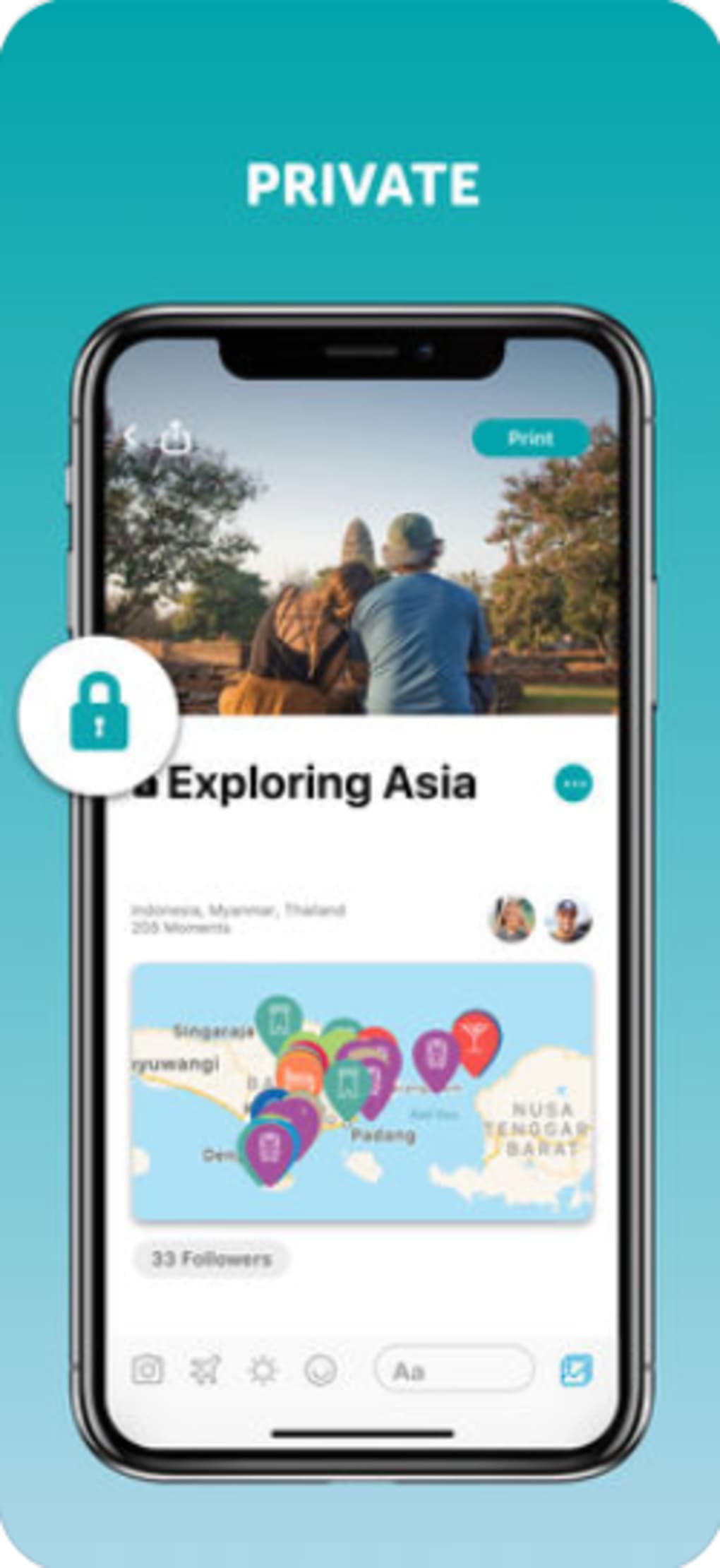
- Photo and Map Integration – Automatically attach location data and timestamps to uploaded photos for a detailed travel record.
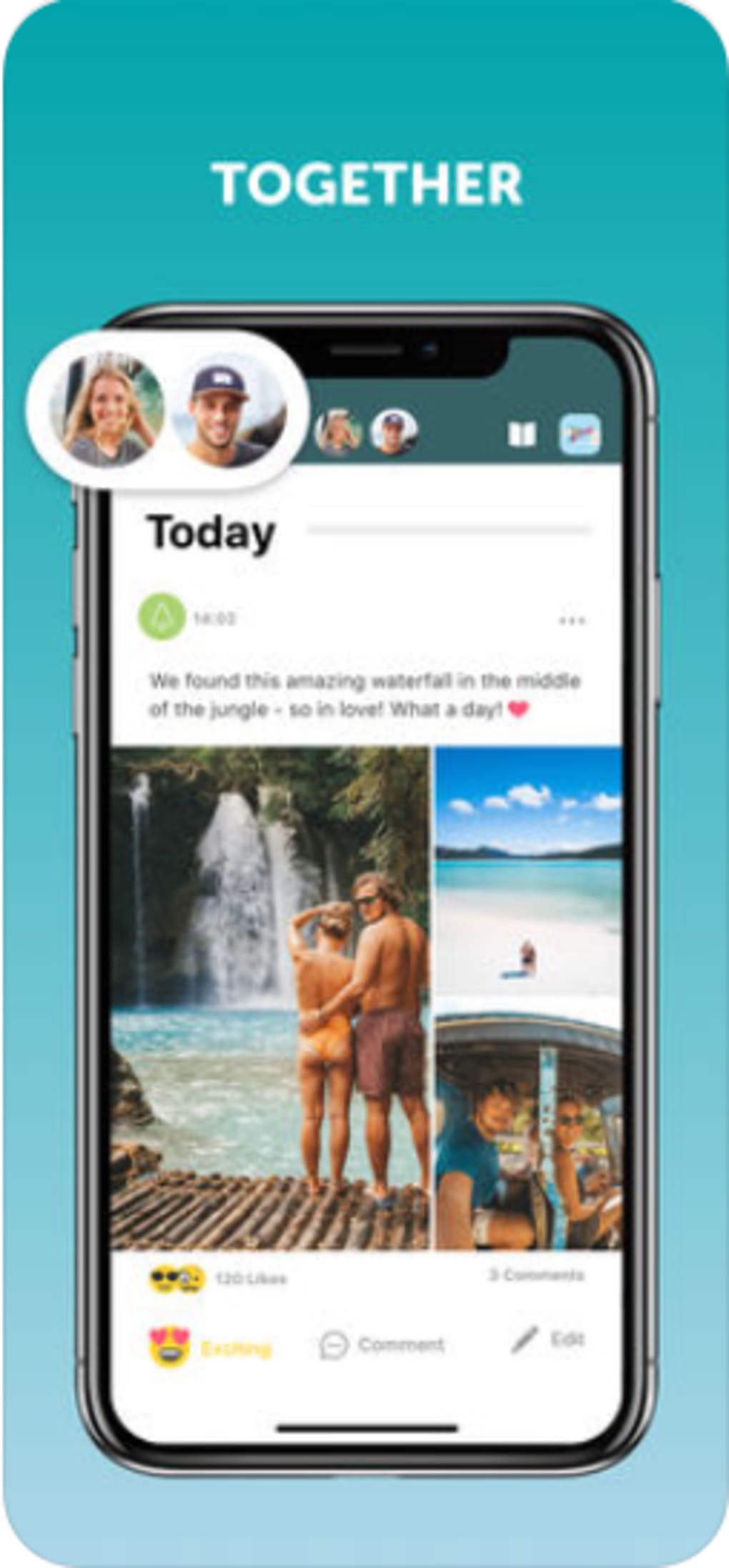
- Timeline Creation – Organize all trip content into a chronological, scrollable timeline for easy navigation and storytelling.
- One-Click Photo Book – Convert a completed journal into a printed photo book with minimal effort.
- Global Journal Discovery – Explore travel journals from users around the world to find inspiration and new destinations.
- Offline Access – Continue journaling and viewing entries without an internet connection.
These features support real-world use cases such as documenting a cross-country road trip, preserving memories from a family vacation, or compiling a professional travel portfolio. The timeline functionality allows users to relive experiences in order, while the photo book feature bridges digital memory with physical keepsakes. Offline capability ensures reliability during flights, remote locations, or areas with poor signal.
User Interface, Workflow & Performance
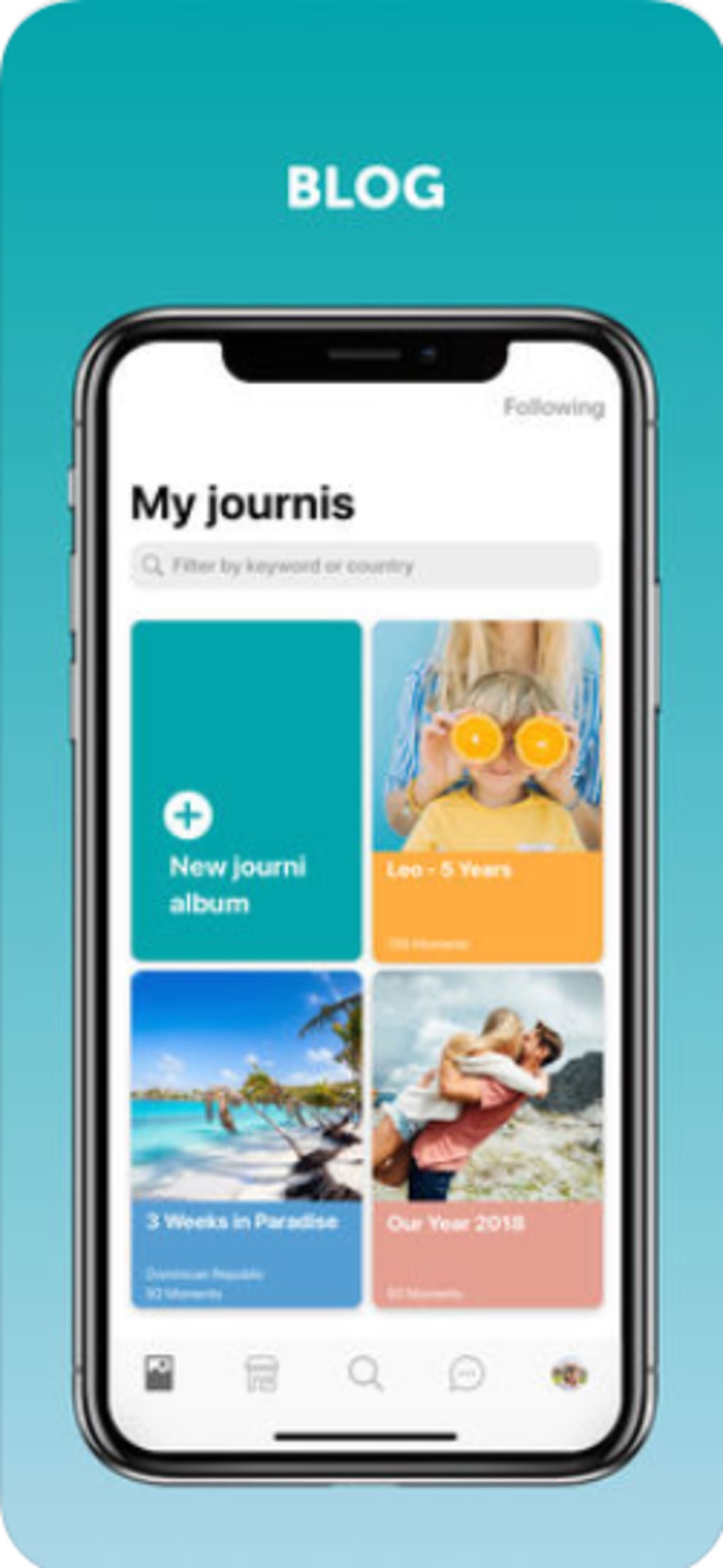
The user interface of Journi Blog is designed with simplicity and visual appeal in mind. Navigation is intuitive, with a bottom tab bar providing quick access to core functions: Journal, Timeline, Explore, and Profile. The layout emphasizes visual content, placing photos front and center with minimal text clutter. Users can add entries by tapping a central "+" button, which opens a streamlined form for uploading media, adding captions, and selecting locations.
Workflow efficiency is enhanced by the app’s automatic geotagging and timestamping, reducing manual input. The timeline view scrolls smoothly, allowing users to jump between days or events with ease. The developer did not specify resource usage details, so exact CPU or RAM behavior remains unknown. However, general mobile application patterns suggest efficient performance on modern devices. Stability appears consistent, with no reported issues in the provided data. The app maintains responsiveness during media-heavy operations, such as viewing high-resolution images or navigating long timelines.
Compatibility & System Requirements
Journi Blog is available on both iOS and Android platforms, making it accessible to a broad range of mobile users. The software version is 1.2.5, with an installation size of 125 MB. This size is typical for a media-rich application that includes image processing and map integration features. The developer did not provide additional system requirements, so compatibility with specific device models or OS versions is unclear. However, given its release date of March 15, 2024, the app is expected to support current versions of both operating systems.
Platform compatibility information is limited to the stated operating systems. No details were provided about hardware specifications such as minimum RAM, processor type, or storage needs beyond the app’s footprint. Users should ensure their device meets general mobile app standards to run the software smoothly. The developer did not specify whether background sync or cloud backup requires continuous connectivity.
Pros and Cons
Pros
- Private and secure journaling environment
- Intuitive interface with strong visual focus
- One-click photo book creation
- Offline functionality for uninterrupted use
- Global journal discovery for inspiration
- Automatic geotagging and timeline organization
Cons
- Exact system requirements not disclosed
- No information on cloud sync reliability or backup policies
- Limited to mobile platforms; no desktop version available
- Performance under heavy media load not verified
- Feature depth may be limited compared to full desktop tools
FAQ Section
Is Journi Blog available for desktop computers?
Currently, Journi Blog is only available on iOS and Android devices. There is no desktop version released at this time.
Can I use Journi Blog without an internet connection?
Yes, the app supports offline usage. You can create and view journal entries, add photos, and access your timeline without an active internet connection.
Is my travel data secure in Journi Blog?
The app is designed as a private journal, meaning your entries are not publicly shared unless you choose to publish them. However, the developer did not provide specific details about encryption or data storage practices.
How do I turn my journal into a physical photo book?
Once your travel journal is complete, you can convert it into a printed photo book with a single tap. The process is integrated into the app and requires no external tools.
Does Journi Blog offer automatic updates?
Updates are managed through the respective app stores (Apple App Store and Google Play). The current version is 1.2.5, and users are encouraged to keep the app updated for the latest features and security patches.
Final Thoughts + CTA
Journi Blog stands out as a thoughtful solution for travelers seeking to preserve their journeys in a meaningful, organized way. Its blend of privacy, visual storytelling, and practical features—especially the one-click photo book—makes it a compelling choice for both casual and dedicated travelers. While the lack of desktop support and limited system details may be drawbacks for some, the app’s mobile-first design delivers a seamless experience on smartphones and tablets.
For anyone who values capturing the full essence of their trips—complete with photos, locations, and memories—Journi Blog offers a reliable, intuitive platform. It’s ideal for families documenting vacations, solo travelers recording adventures, or content creators building travel portfolios. The free pricing model further enhances its accessibility.
Download Journi Blog now and start turning your travel stories into lasting keepsakes.
Guides & Tutorials for Journi Blog
How to install Journi Blog
- Click the Preview / Download button above.
- Once redirected, accept the terms and click Install.
- Wait for the Journi Blog download to finish on your device.
How to use Journi Blog
This software is primarily used for its core features described above. Open the app after installation to explore its capabilities.
User Reviews for Journi Blog 0
No reviews found





